Fix NBI “Payment Not Confirmed” Issue Quickly
If you paid for your NBI Clearance online but the status still says “Payment Not Confirmed,” don’t panic. This is a common problem many applicants face, and most of the time it’s something you can fix without stress.
I’ll walk you through what’s happening and how to sort it out step by step.
Why the “Payment Not Confirmed” Message Happens
There are a few reasons the NBI system might still show “Payment Not Confirmed,” even though you already paid:
The good news is that in most cases, your payment was received — it just hasn’t been reflected in the system yet.
Step‑by‑Step: How to Fix It Fast
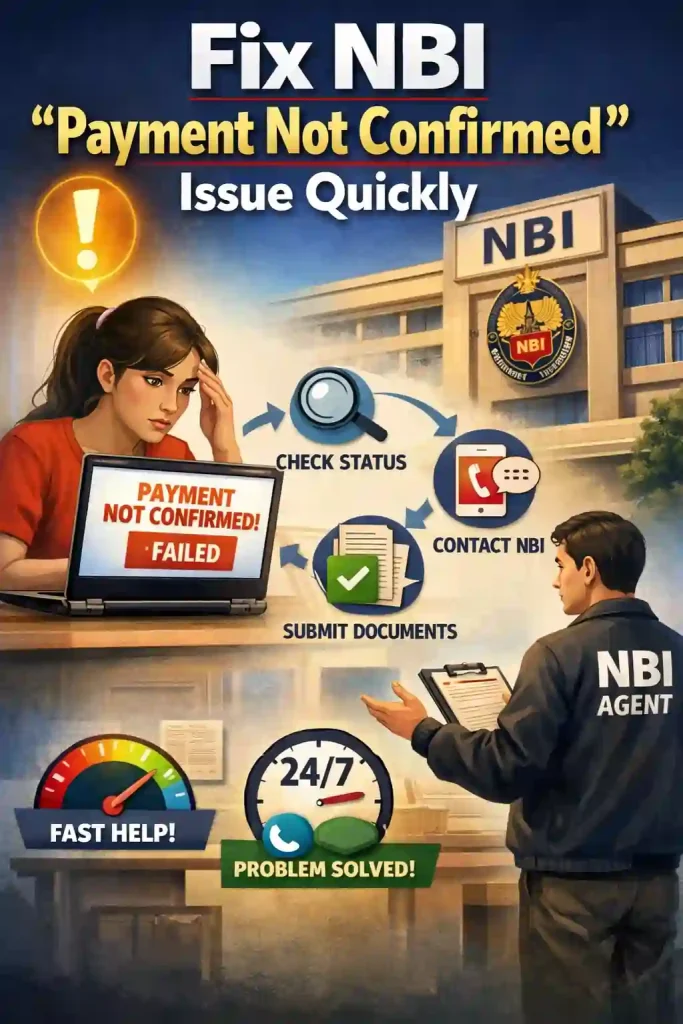
Here are some quick and easy things you can do to get your payment confirmed:
Sometimes the system takes time to update. Wait at least 24 hours before trying anything else. Servers and payment partners sometimes take a while to post the status back to NBI.
Tip: Don’t pay again right away. Duplicate payments can make things more confusing.
Log into your NBI account and go to your Transactions or Dashboard section. Make sure:
- The reference number you used during payment is exactly the same as what’s shown in your NBI profile.
- You didn’t mistype anything when entering the payment code or details.
Small mistakes in numbers or spaces can stop the system from matching your payment to your record.
Open the app or bank statement where you paid from (like GCash, Maya, bank transfer, or partner outlet). Look for:
- The transaction showing the debit
- A reference or transaction number
- Date and time
Take a screenshot or save this as proof. This will help if you need to talk to support or visit an NBI branch.
device issue.
Here’s what you can try:
- Clear your browser cache
- Use a different browser like Chrome or Edge
- Try a different device (phone, tablet, or laptop)
This might refresh what you see and show the updated payment status.
If your status still hasn’t changed after a day:
- Visit the NBI branch where you booked your appointment
- Bring your payment receipt, reference number, and valid ID
- Explain that your payment was successful on your end but still shows as “Not Confirmed” in the portal
Most NBI branches can manually verify your payment on the spot and update your status so you can proceed.
you can also read about: How Can we pay NBI Clearance fee in 7/11 store?
Extra Tips to Avoid This Issue
Here are a few small habits that make life easier:
Always double‑check information before finalizing payment (name, reference, email, mobile).
Use payment options that usually update fast, like online banking or digital wallets.
Screenshot every confirmation page when you pay — reference number, date, time, everything.
These simple steps help you avoid confusion and speed up verification if issues come up again.
FAQ’s
Final Words
Seeing “Payment Not Confirmed” can be annoying, but it’s a common hiccup. Most of the time you just need to wait a bit or show proof of payment to the NBI staff. Keep calm, follow the steps above, and you’ll get it sorted without extra costs or stress.


